Metadata Tag Management
This topic facilitates you to create and manage tags for your metadata repository or data source.
In This Topic:
Introduction to Tags
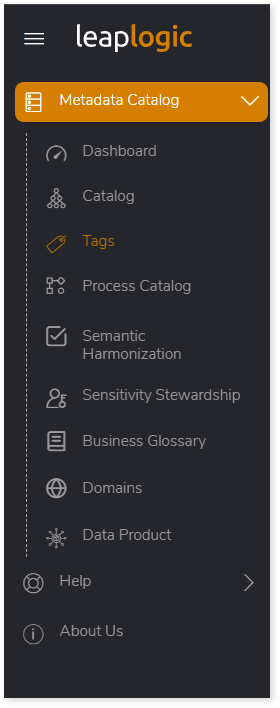
To access the Tags page, log in to LeapLogic after creating an account (see Prerequisites for more details) and then select Metadata Catalog > Tags on the left navigation pane.
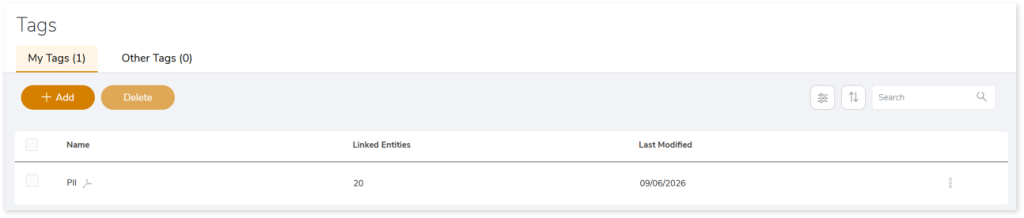
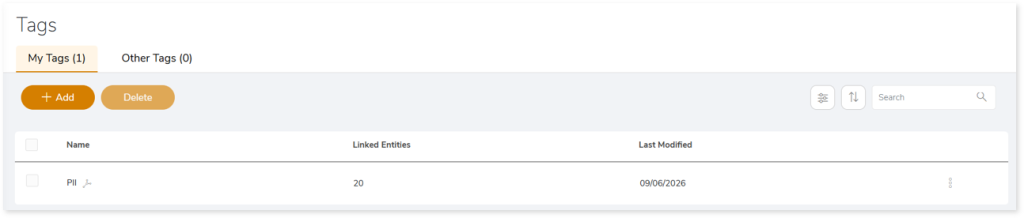
In the Tags page, you can view all the created tags along with information about the linked entities.

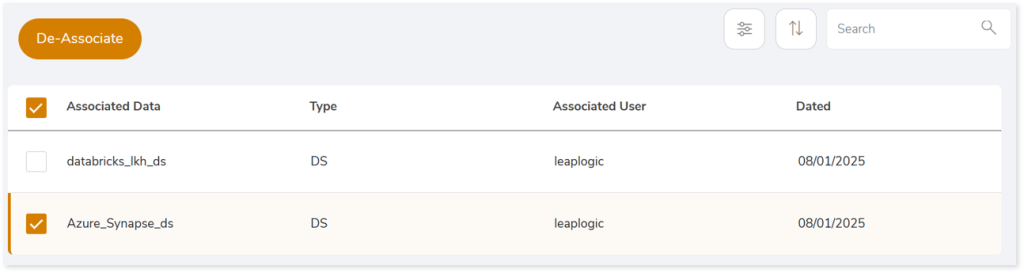
Browse through each tag to get more insights about the linked entities. You can also, de-link associated data or entity from the tag. To do so, select the associated data and then click De-Associate.
To delete a created tag, on the Tags page, select the tag that you want to delete and then click Delete.
You can apply:
|
Feature |
Icon |
Description |
|
Sort |
 |
Used to sort the display of tags based on:
- Last Modified: New to Old
- Last Modified: Old to New
- Tag Name: A to Z
- Tag Name: Z to A
|
|
Filter |
 |
Used to filter the tags based on:
- Linked: Filters tags that are linked to entities
- Unlinked: Filters tags that are not linked to entities.
|
How to add a new tag and link it with an entity?
To add tag, follow the steps below:
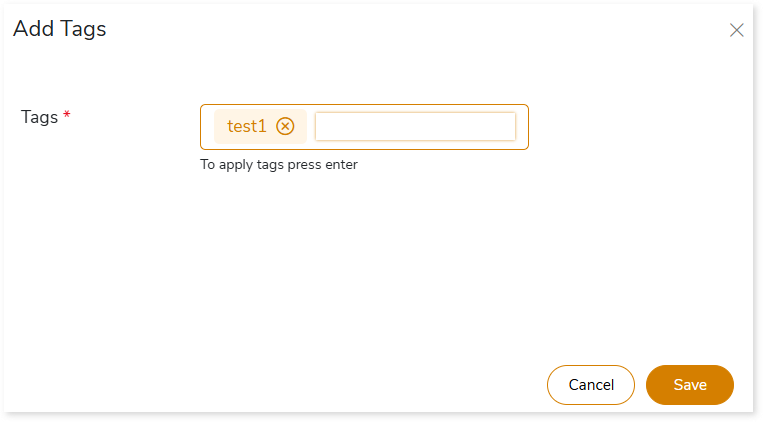
- Select + ADD. The Add Tag page appears.
- In Tags, enter a tag with at least three characters and press Enter to add it.
- Click Save.
To link tag with an entity, follow the steps below:
- Go to Data Catalog.
- Create a new repository or data source or edit an existing one.
- Add the newly created tag in the Tag field.
 Leaplogic