Data Product Builder
The Data Product Builder allows you to design and create governed, domain-aligned data products. You can create data products either manually (Design Data Product) or by using AI-assisted (Generate with LeapLogic AI) generation, depending on your requirements.
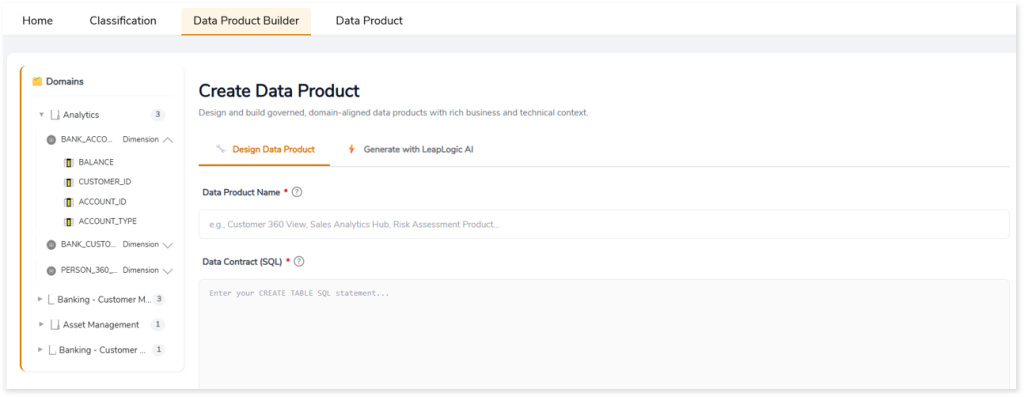
The left panel provides a hierarchical view of domains, tables, and columns, allowing you to explore and review the available data for building data products.
In This Topic:
Design Data Product
Use this option to manually define a data product by providing the required business and technical context. This enables you to establish a governed, reusable, and domain-aligned data product.
To create data product, follow the steps below:
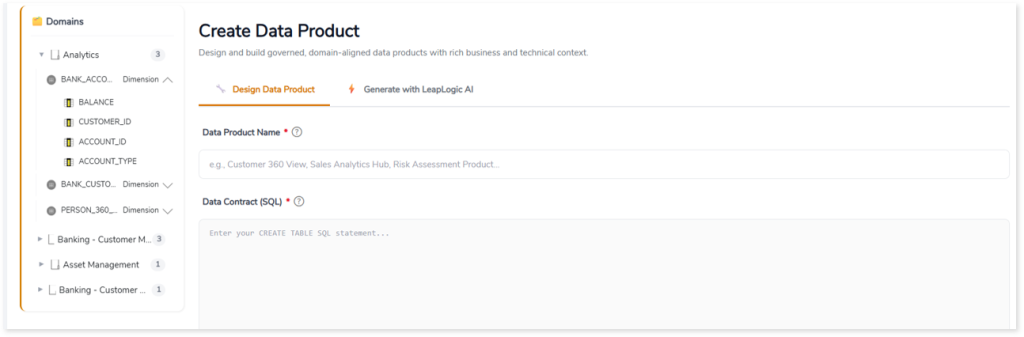
- In Data Product Name, provide a business-aligned name that clearly represents the purpose of the data product.
- In Data Contract (SQL), define schemas, relationships, constraints, and governance rules, or generate recommendations using LeapLogic AI.
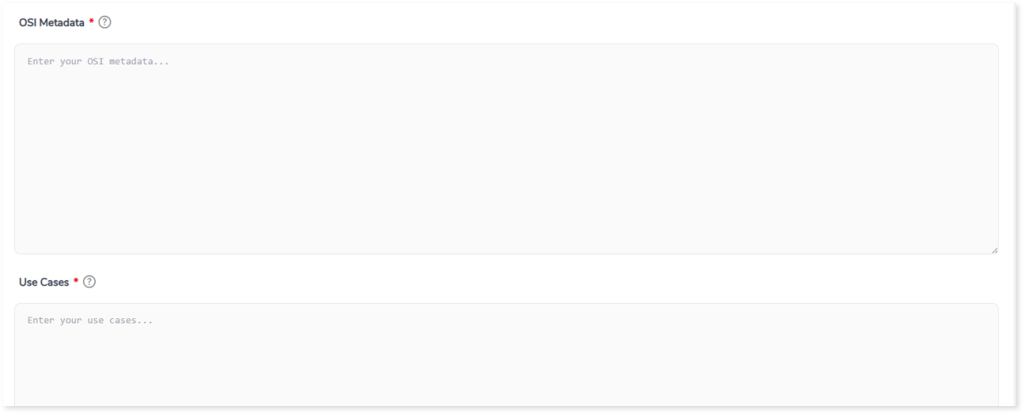
- In OSI Metadata, define stewardship, governance, domain, compliance, and contextual metadata attributes.
- In Use Case, define business use cases, analytical objectives, and expected outcomes for the data product.
- In Description, describe the business purpose, domain context, and intended value of the data product.
- In KPIs & Quality Rules, define key business metrics, quality thresholds, validation rules, and governance expectations.
- In SLA & Physical Inputs, specify source systems, refresh frequency, latency expectations, and operational dependencies.
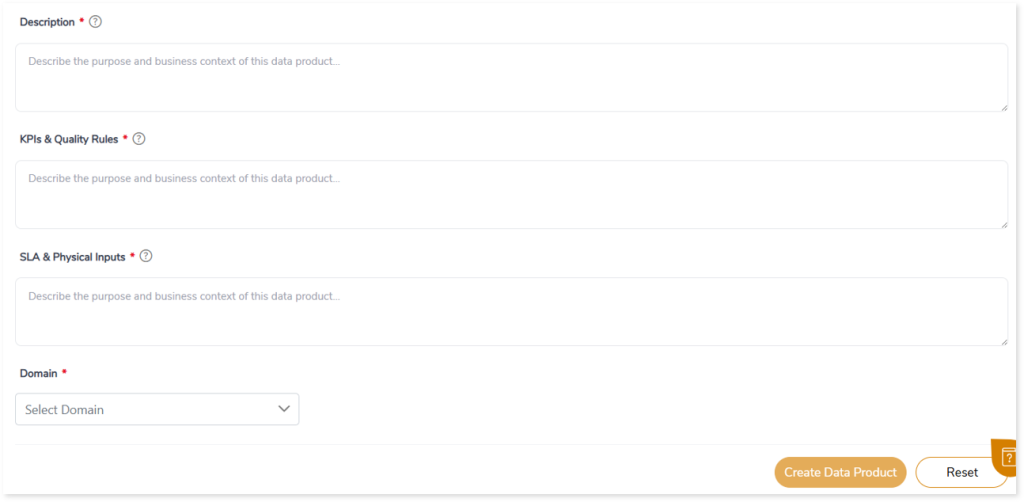
- In Domain, select a domain to align data products with relevant business context.
- Click Create Data Product.
A context-aware data product is created and can be viewed in the Data Product tab.
Generate with LeapLogic AI
Use this option to automatically generate a data product by describing your requirements in natural language. LeapLogic AI analyzes your input and generates a domain-aligned data product with contextual schemas, relationships, governance, and data contracts.
To generate a data product, follow the steps below:
- In Data Product Builder tab, select Generate with LeapLogic AI.
- In Define Data Product Requirements, describe your business requirements in natural language, including key entities, metrics, and analytical objectives.
- Provide details such as, business entities (e.g., customers, sales, transactions), KPIs and performance metrics, time ranges or reporting periods, governance and compliance expectations, analytical use cases or objectives for more accurate data product generation. For example, Create a Customer Insights data product with regional purchasing trends, customer segmentation, repeat purchase behavior, and revenue performance metrics.
- Click Generate Data Product.
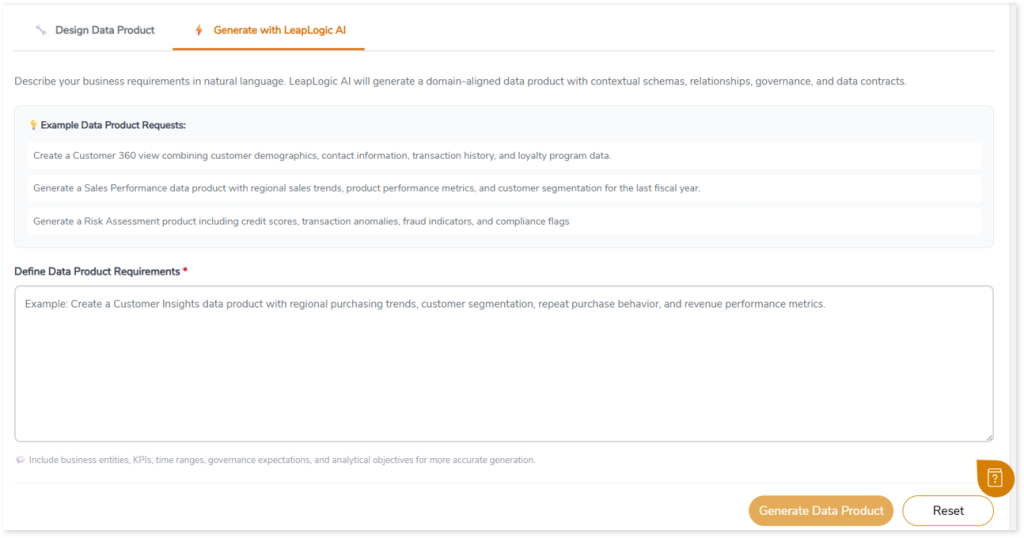
A context-aware data product is created and can be viewed in the Data Product tab.
 Leaplogic