Highlights
The Highlights section provides a high-level overview of your assessment, summarizing the analytics performed on the selected workloads. It includes information about query complexity, procedures, queries, and more.
In This Topic:
Files
This section provides information about input source files including files, functions, and more.

- Files: Displays the number of input source files.
- Functions: Displays the number of functions.
- UDFs: Displays the number of User-defined functions.
- Automation: Automation refers to the extent of automated transformation possible for the given source files.
Procedures
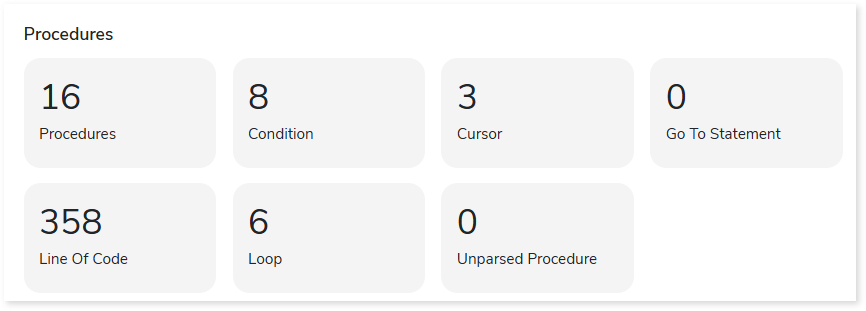
This section provides a summary of analyzed procedures which includes details about its content such as condition, cursor, loop, and more.
Queries
It displays a synopsis of the analyzed queries.
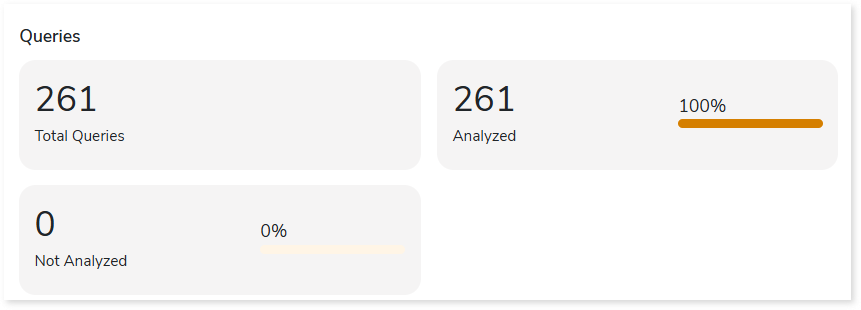
- Total Queries: Displays total number of queries in the source file.
- Analyzed: Displays the number of analyzed queries.
- Not Analyzed: Displays the number of not analyzed queries.
Statement Types
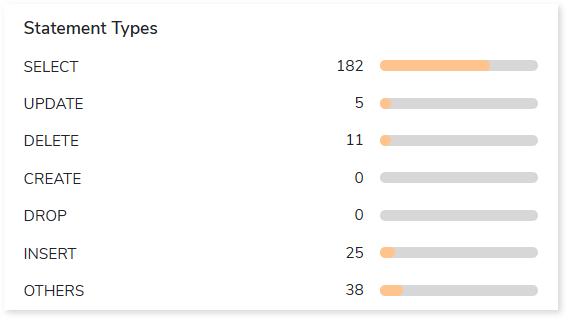
This section displays a summary of analyzed queries based on the query distribution sorted by the different query statement types in the input file.
Complexity
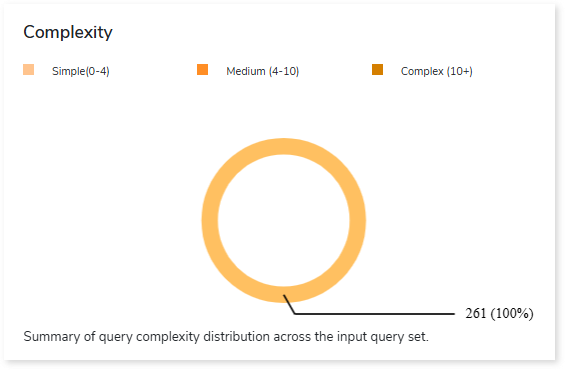
This section provides a summarized graphical representation of queries’ complexity that helps in making different decisions, including budget estimation.
| Complexity Type | Complexity Range | Description |
| Low | 0-4 | Handled directly by the tool, it requires no manual effort. |
| Medium | 4-10 | Most of the queries can be converted directly by the tool, and some require minimum manual effort. |
| High | 10+ | Complexity is high and requires more manual effort to handle. |
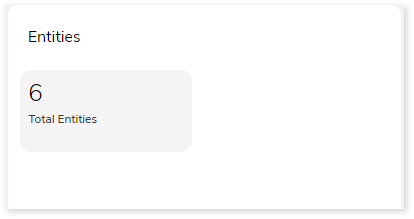
Entities
This section displays total number of entities within the entire inventory.
 Leaplogic