SAP BO to Power BI Conversion Report
This topic provides a comprehensive report of SAP BO to Power BI conversion. The conversion pipeline converts SAP BO universes and reports to Power BI equivalents.
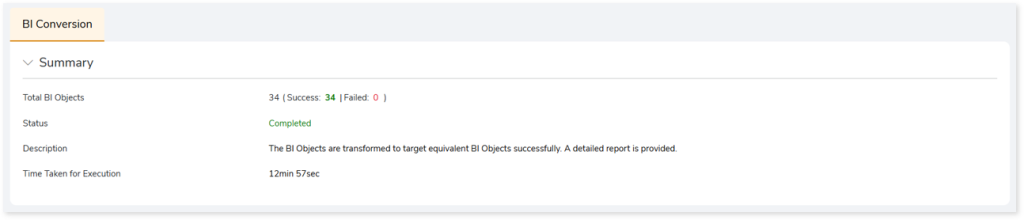
- Total BI Objects: Displays the number of BI objects. It also gives a segregated view of how many objects are successfully converted and how many failed.
- Status: Provides status of the BI Conversion stage.
- Description: A brief description of the stage is displayed.
- Time Taken for Execution: The time taken for conversion.
In This Topic:
BI Objects
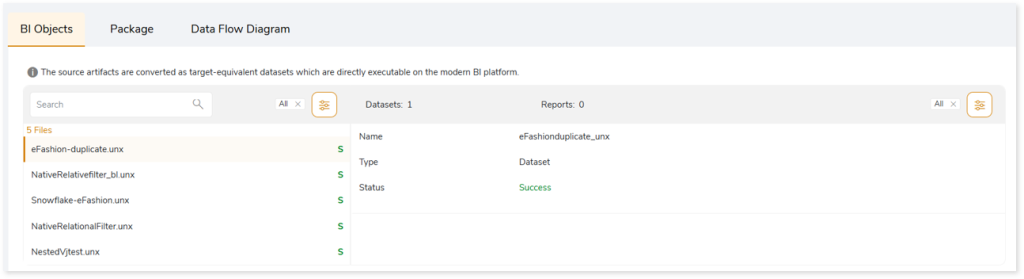
This section displays the transformed artifacts, including datasets and reports. The source artifacts are converted into target‑equivalent datasets that can be used directly on the modern BI platform. The left panel lists all transformed artifacts along with their conversion status. The right panel shows details of the datasets and reports within each artifact, including their type and conversion status. If a dataset or report fails to convert, a remark is displayed with an error message to help you understand and resolve the issue.
Package
This topic provides the converted artifacts in the pbip file format which can be executed directly on the target platform. Select  to download the converted artifacts for offline use.
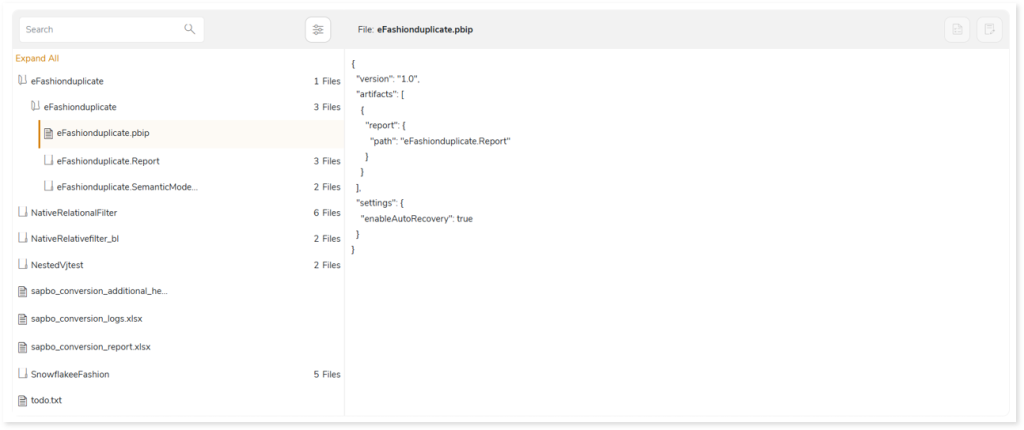
For every input file, a converted artifact is generated, which includes a PBIP output file, a Report folder, and a Semantic Model.
- PBIP output file: The PBIP file contains the converted output artifacts that can be directly executed on the target platform.
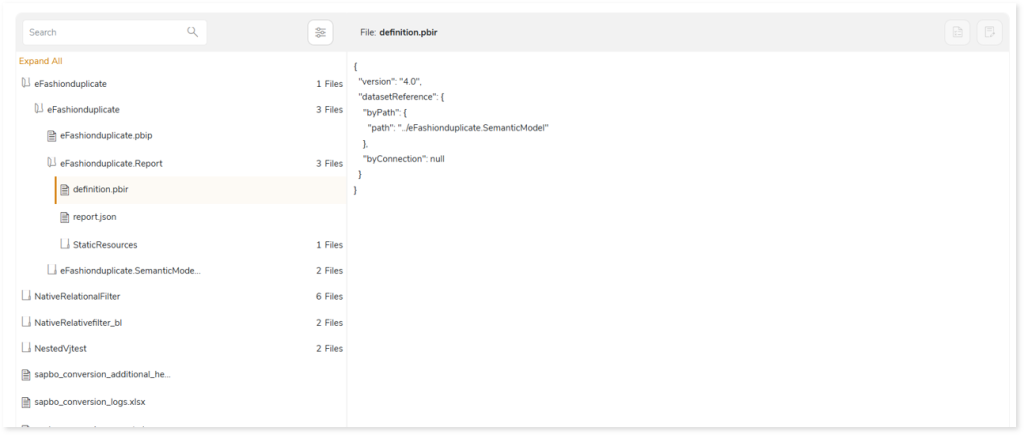
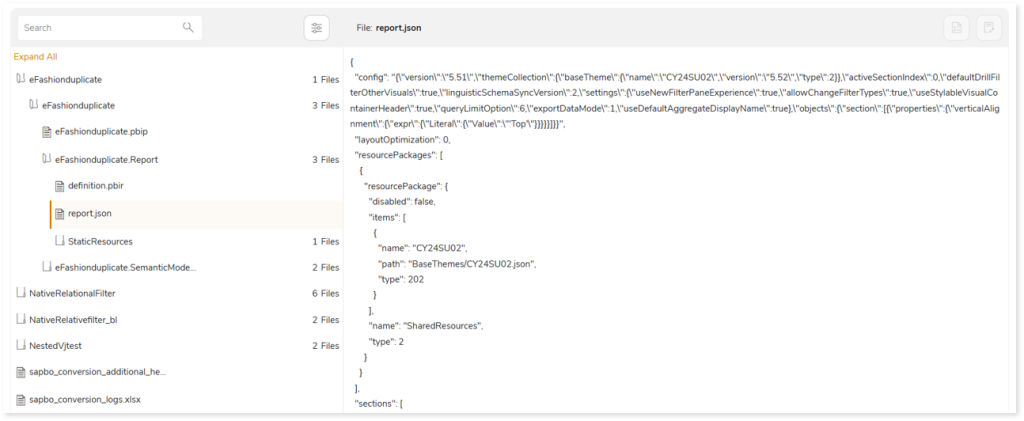
- Report Folder: The Report folder contains the definition.pbir file and report.json file.
- The definition.pbir file contains the reference to the semantic model, including its file path.
- The report.json file contains the data required to generate the visuals, including information about dashboards, dashboard pages, filters, and other related components. The PBIP file uses this data to render the visuals on the Power BI target platform.
- Semantic model: The semantic model contains information about datasets, their structure, and the relationships between them.
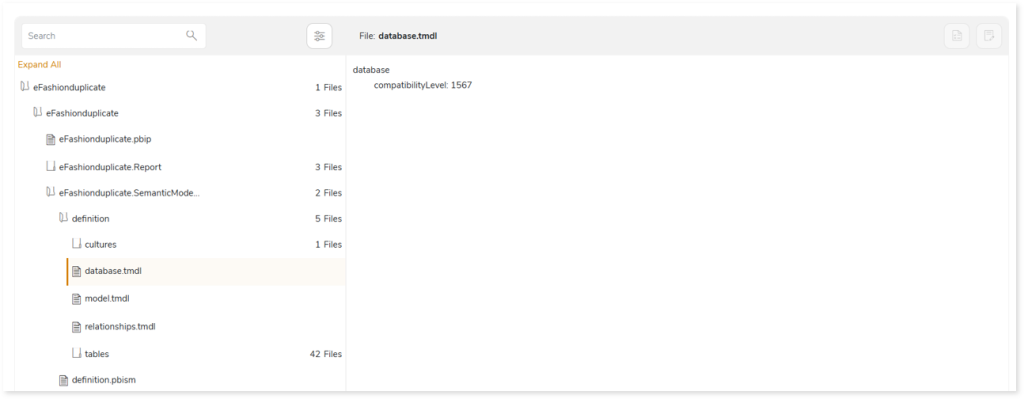
- The database.tmdl file contains the database details.
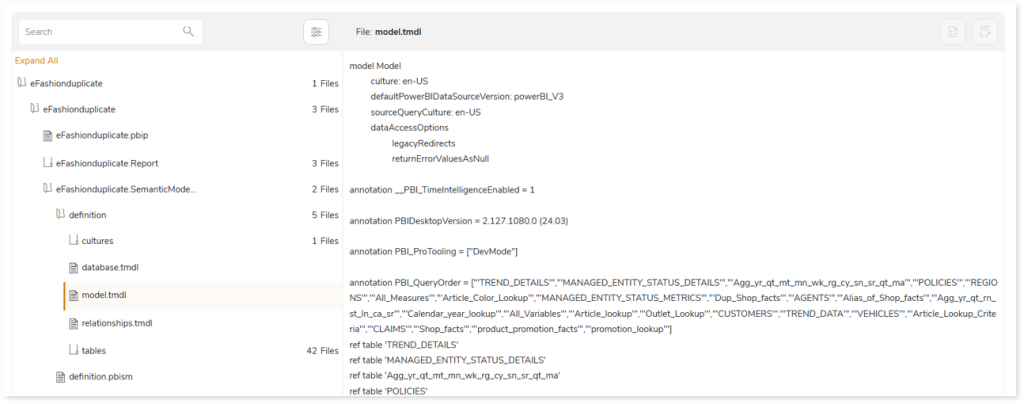
- The model.tmdl file contains details of all the tables in the semantic model.
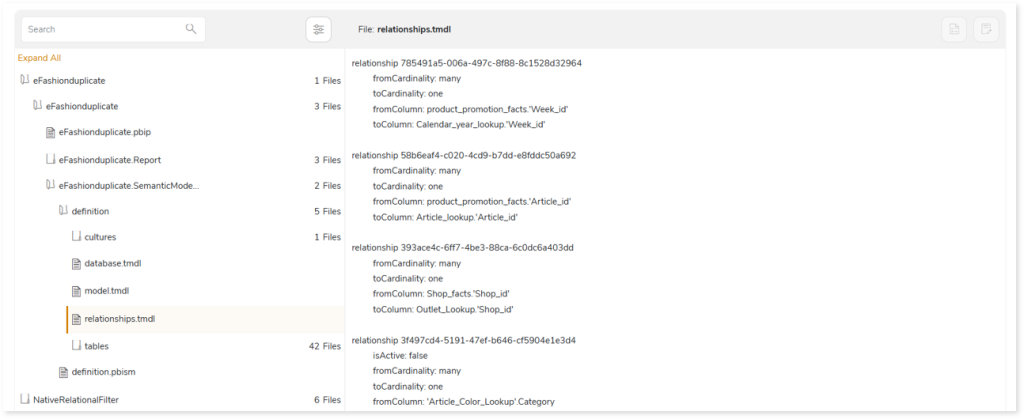
- The relationships.tmdl file contains relationship details, including cardinality.
- The tables folder contains all the tables that are used to generate the Power BI report.
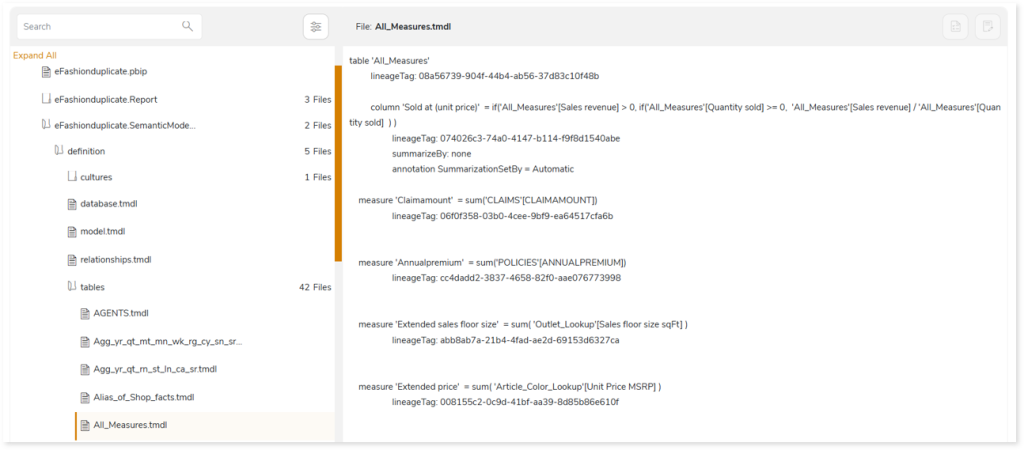
In addition, you can access the sapbo_conversion_additional_help.xlsx, sapbo_conversion_logs.xlsx, and todo.txt reports, each offering detailed error specifications and troubleshooting information to help you quickly detect and resolve issues during code transformation.
- The sapbo_conversion_additional_help.xlsx report contains a detailed error specifications generated during the transformation process. Error specifications include:
- Error messages with clear explanations for quick issue resolution.
- Unsupported components or properties that cannot be auto converted and LeapLogic has not implemented alternative logic or methods for conversion.
- Technical limitations that prevent the conversion of certain properties or components.
- Partially supported components
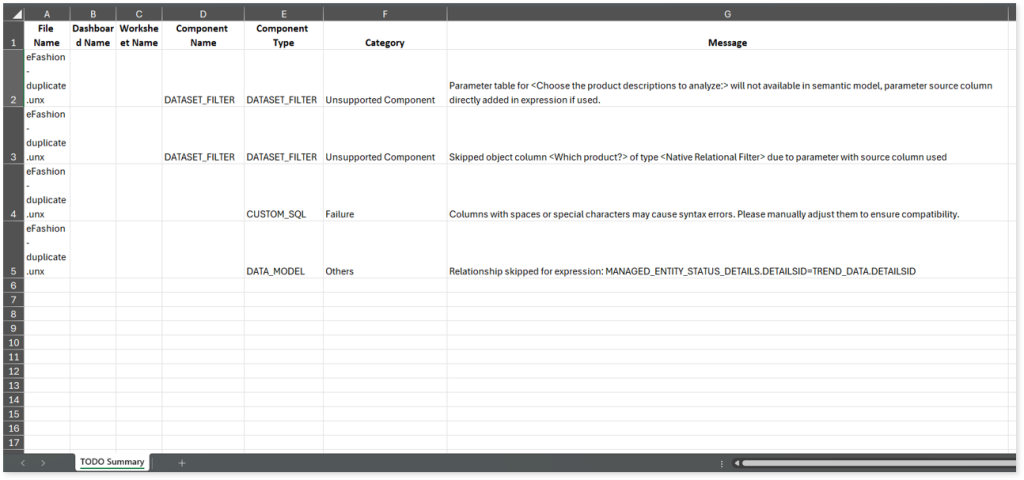
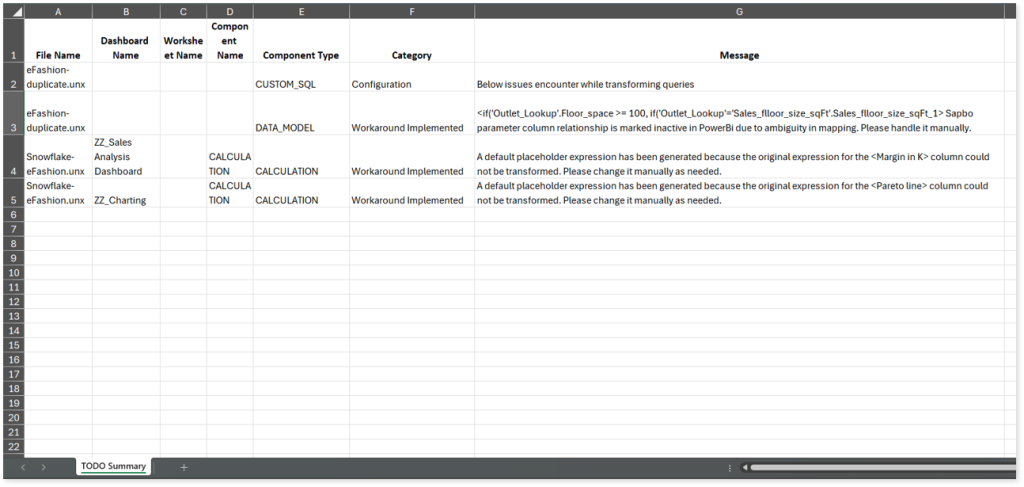
- The sapbo_conversion_logs.xlsx report contains information about the components or properties that are not supported in target environment and require manual intervention for successful conversion. In such cases, LeapLogic has implemented alternative logic or methods to convert the source components or properties to the target-equivalent.
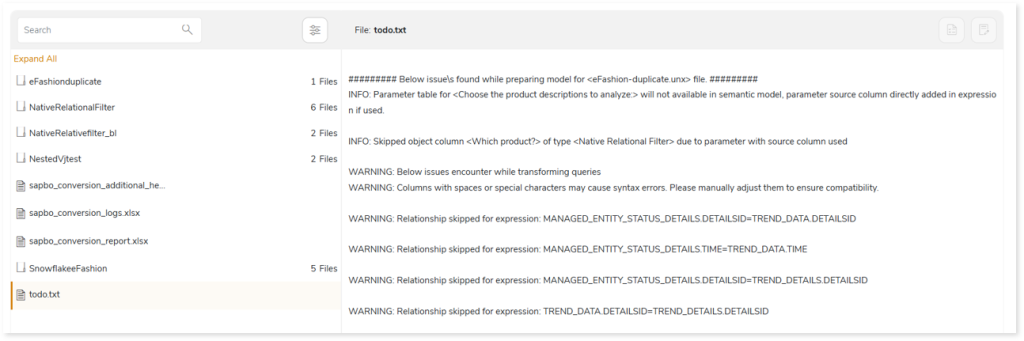
- The todo.txt report contains all error messages and issues encountered during code transformation. It includes warnings, errors, alerts, and informational messages to guide further actions for the successful conversion of components or properties to the target equivalent.
In the Package section you can also see a sapbo_conversion_report.xlsx report which provides detailed information about the SAP BO conversion including the number of total, failed, successfully transformed charts, visual objects, calculations, filters, and more. It also includes information about the automation level indicator along with deductible and deducted script quota.
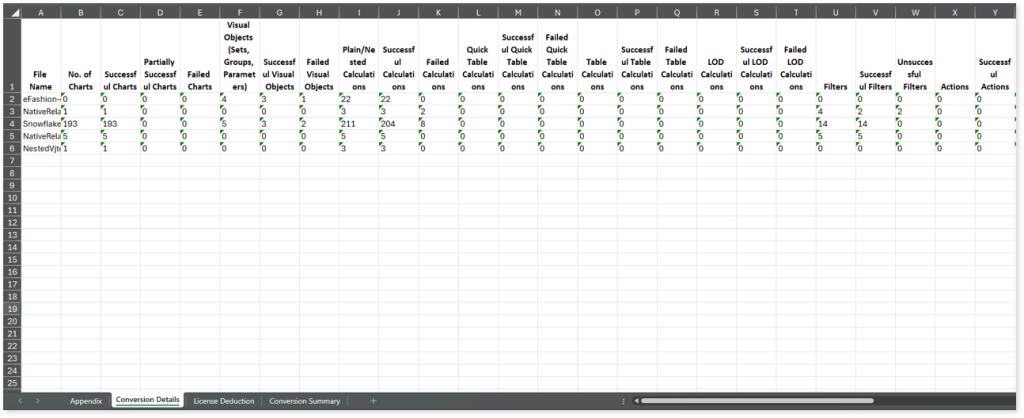
This report contains the following information:
- Appendix: Provides information about the weightage of each component used to calculate the conversion automation percentage.
- Conversion Details: Provides information about the total, failed, and successfully transformed charts, visual objects, calculations, filters, etc. It also includes the automation level indicator, the number of AI augmented converted calculations, and the number of LeapLogic core converted calculations.
- License Deduction: Provides information about deductible script quota (the quota that needs to be deducted), deducted script quota (the actual script quota deducted from the license), and more.
- Conversion Summary: Provides the overall conversion automation percentage, i.e., the automation percentage calculated across all scripts.
 Leaplogic