User-level Quota Deduction
LeapLogic provides a transparent quota management system that helps you understand how much user-level quota is available for the Assessment, Conversion, and Orchestration modules. The License Information page displays both the allocated and consumed quota—such as file size, units, scripts, and execution logs—based on your modules.
How to view the quota details
Follow the steps below to view the quota details:
- Log in to LeapLogic
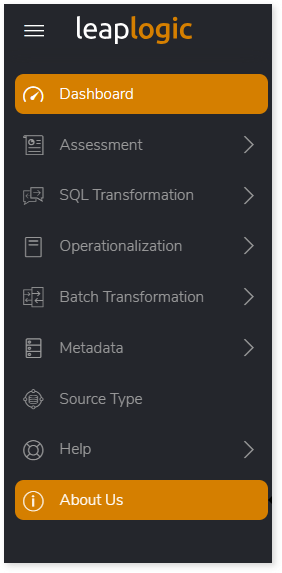
- Select About Us from the left navigation pane.
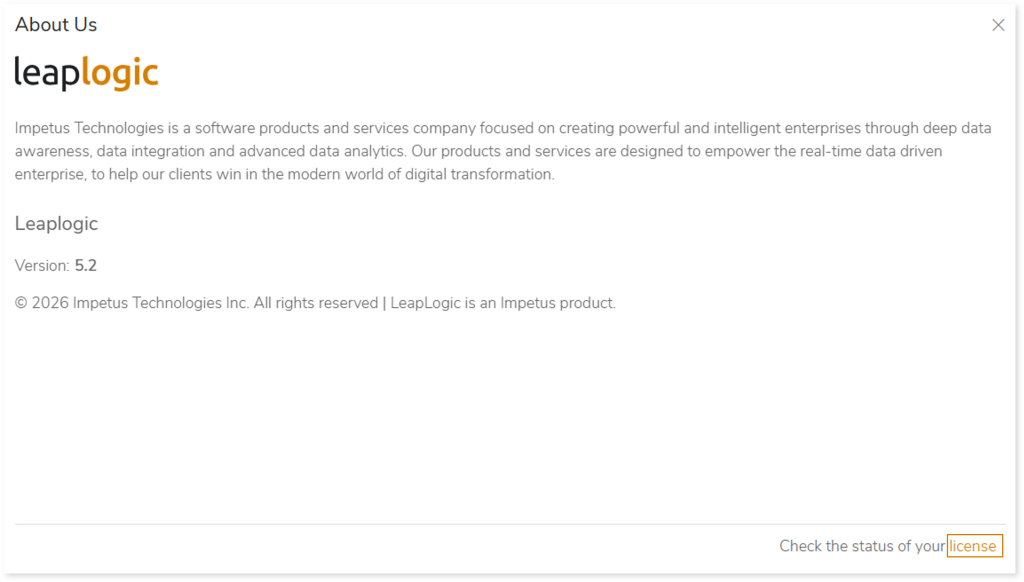
- On the About Us page, click License at the bottom-right corner.
- The LeapLogic Information panel opens, showing user-level quota allocations and usage.
Quota Deduction Overview
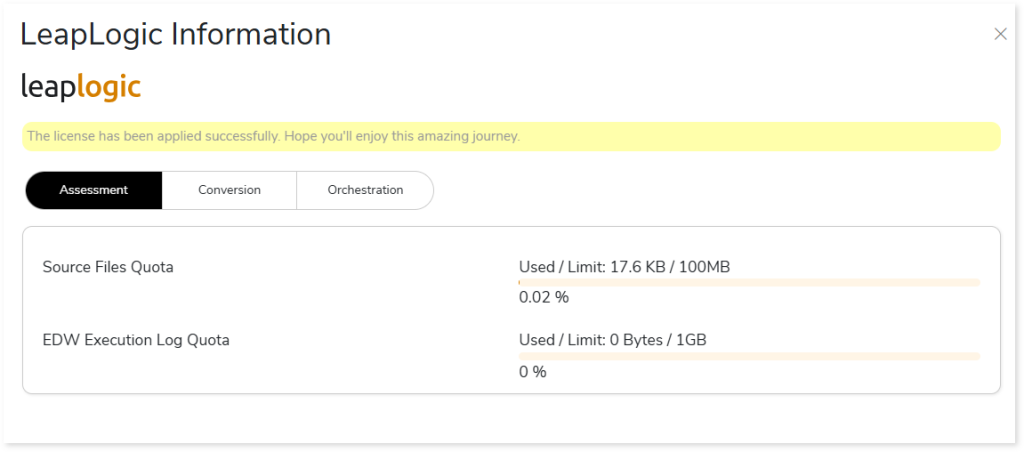
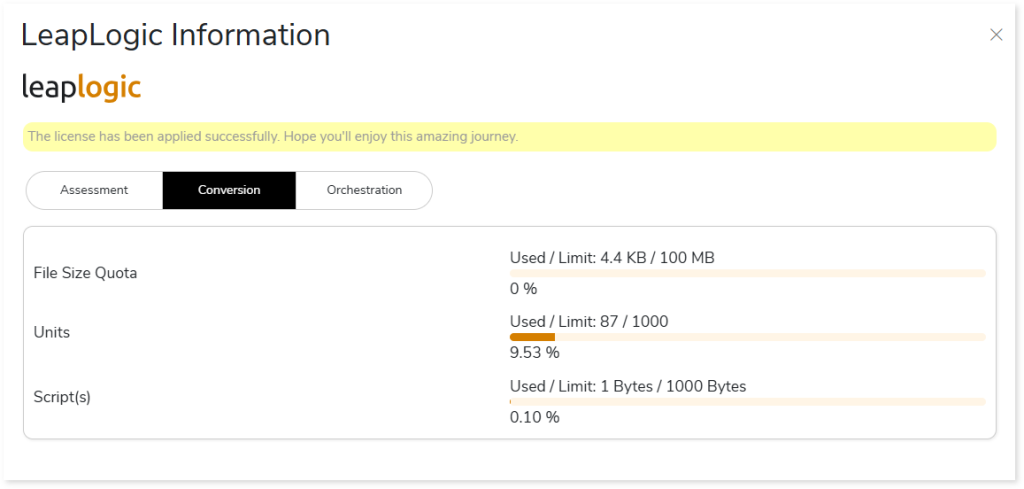
License quota is deducted only when an assessment or conversion is executed. This allows you to clearly track the total, used, and available quota for each module:
- Assessment:
- Source file quota
- EDW execution log quota
- Conversion:
- File size quota
- Units
- Scripts
- Orchestration:
- File size quota
- Units
- Scripts
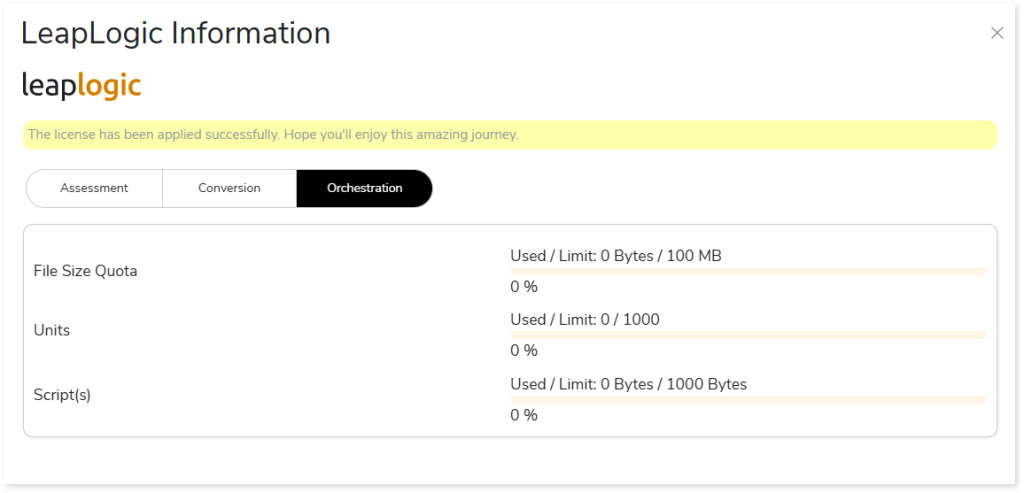
The LeapLogic Information panel helps you manage consumption efficiently and ensures you remain within your license entitlement while performing assessments, conversions, and orchestration conversions.
 Leaplogic